
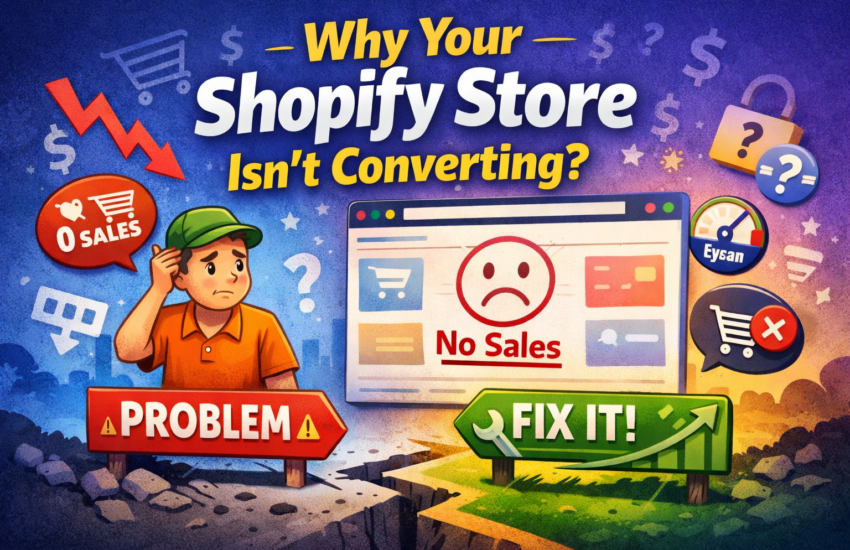
If your Shopify store is getting traffic but not generating sales, you’re not alone. Many store owners assume that more visitors will automatically lead to more revenue—but that’s not always true.
In reality, most Shopify stores fail to convert because of issues in the customer experience, trust, and buying journey, not the product itself.
Let’s break down the real reasons why your store isn’t converting—and how you can fix them.
📉 Signs Your Shopify Store Has a Conversion Problem
Before fixing anything, you need to identify the problem.
Here are clear signs your store isn’t converting:
- You’re getting traffic but very few orders
- Visitors leave product pages quickly
- Customers add items to cart but don’t checkout
- Sales remain flat despite marketing efforts
These are strong indicators that something in your store is creating friction in the buying process.
🔍 1. Weak Product Pages
Your product page is where decisions happen. If it fails, your store fails.
Common issues:
- Poor or short descriptions
- Low-quality or limited images
- Missing product details
- No lifestyle or real-use visuals
Customers need confidence before buying. Studies show that better product content significantly improves conversion rates.
✅ Fix:
- Add 3–5 high-quality images
- Write detailed, benefit-driven descriptions
- Include FAQs, specs, and use cases
⚡ 2. Slow Website Speed
Speed directly impacts conversions. Even a few seconds delay can cause users to leave.
Slow loading is often caused by:
- Too many apps
- Heavy themes
- Large images
A slow store creates a poor first impression and reduces trust.
✅ Fix:
- Compress images
- Remove unused apps
- Use lightweight themes
🧭 3. Confusing Navigation
If users can’t find products easily, they won’t buy.
Common problems:
- Too many menu items
- Poor category structure
- No search feature
Customers expect to find products within 2–3 clicks.
✅ Fix:
- Simplify menus
- Organize collections clearly
- Add search functionality
🎨 4. Poor Store Design & Branding
Your website design builds trust in seconds.
If your store looks outdated or generic, visitors assume:
👉 Low quality
👉 Scam risk
👉 Poor service
First impressions matter more than you think.
✅ Fix:
- Use clean, modern design
- Maintain consistent branding
- Highlight your value proposition clearly
💳 5. Complicated Checkout Process
Checkout is where most sales are lost.
Conversion killers:
- Forced account creation
- Limited payment options
- Unexpected shipping costs
- Too many steps
Cart abandonment rates can reach 70–80% if friction exists.
✅ Fix:
- Enable guest checkout
- Offer multiple payment options
- Show shipping costs upfront
- Keep checkout simple
⭐ 6. Lack of Trust & Social Proof
People don’t buy from stores they don’t trust.
If your store lacks:
- Reviews
- Testimonials
- Customer photos
- Guarantees
…it creates hesitation.
✅ Fix:
- Add product reviews
- Show real customer images
- Display trust badges
- Highlight return/refund policies
🎯 7. Wrong Traffic or Weak Offer
Sometimes the issue isn’t your store—it’s your audience.
If the wrong people visit your store, they won’t convert.
Also, if your offer is unclear, visitors won’t understand why they should buy.
✅ Fix:
- Target the right audience
- Improve your value proposition
- Add urgency (discounts, limited stock)
📊 How to Diagnose the Real Problem
Think of your store in 3 stages:
- Traffic – Are the right people visiting?
- Engagement – Are users interacting with product pages?
- Conversion – Are they completing checkout?
Each stage reveals where the problem lies.
🔧 Final Thoughts
A Shopify store that doesn’t convert is not a failure—it’s an opportunity.
Most issues come down to:
- Poor user experience
- Lack of trust
- Friction in the buying journey
The good news?
These problems are fixable—and even small improvements can lead to massive growth.
&media=https://crackwebsolution.com/wp-content/uploads/2026/04/Struggling-with-Shopify-sales.png)